Filmmakers think in
visual workflows. Not prompts.
Drag in references, build storyboards, generate footage — all on one canvas. Bring your own API keys. Keep full control.
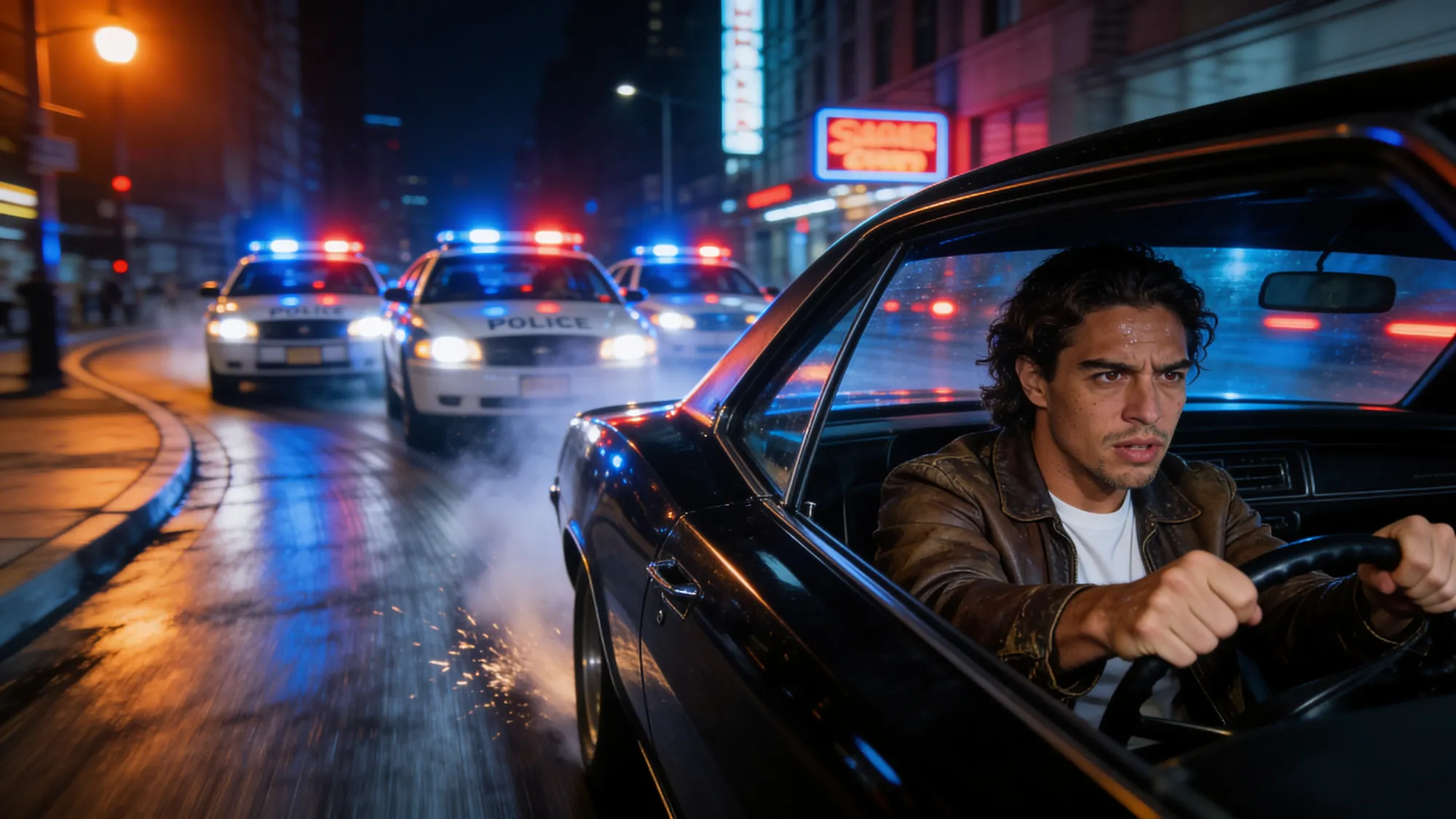
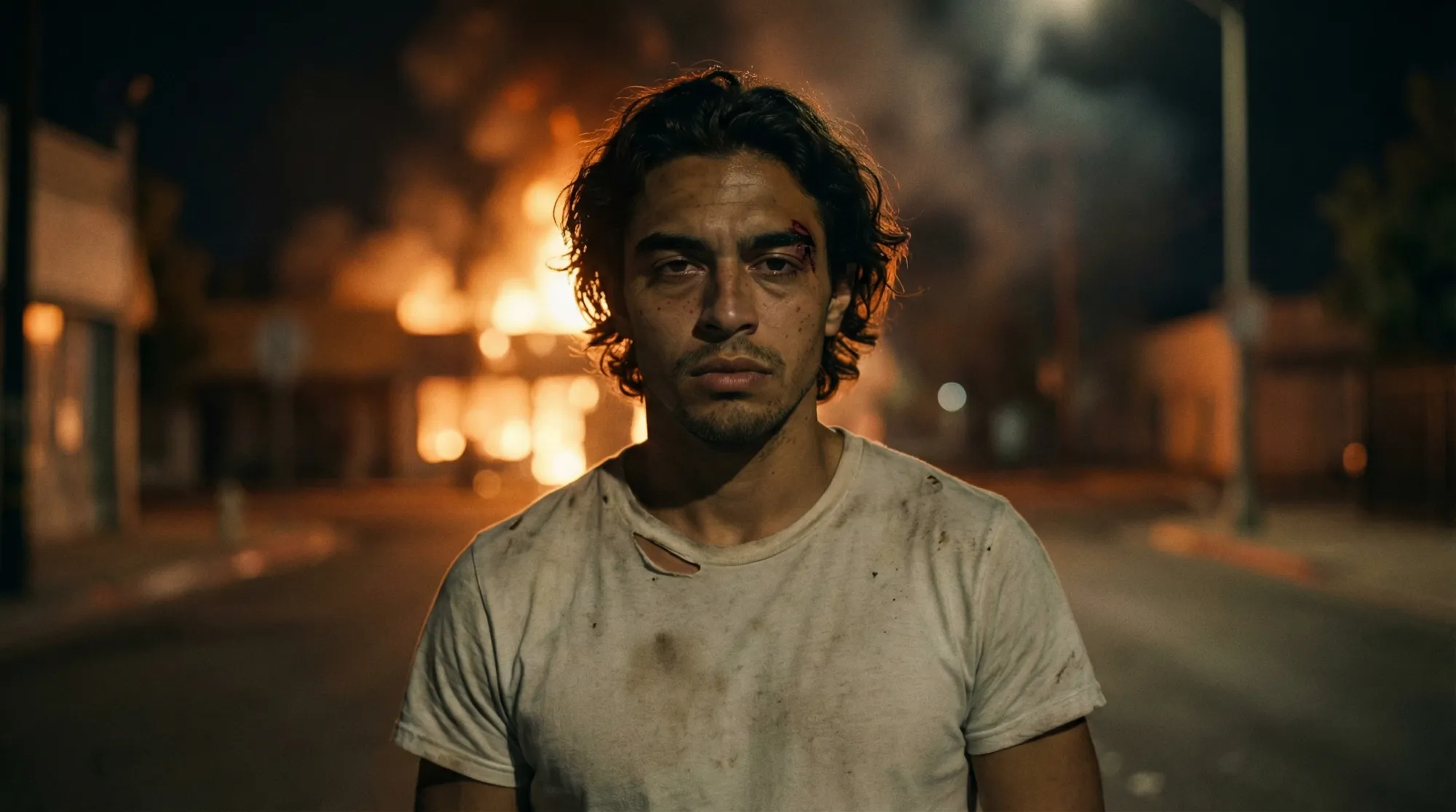
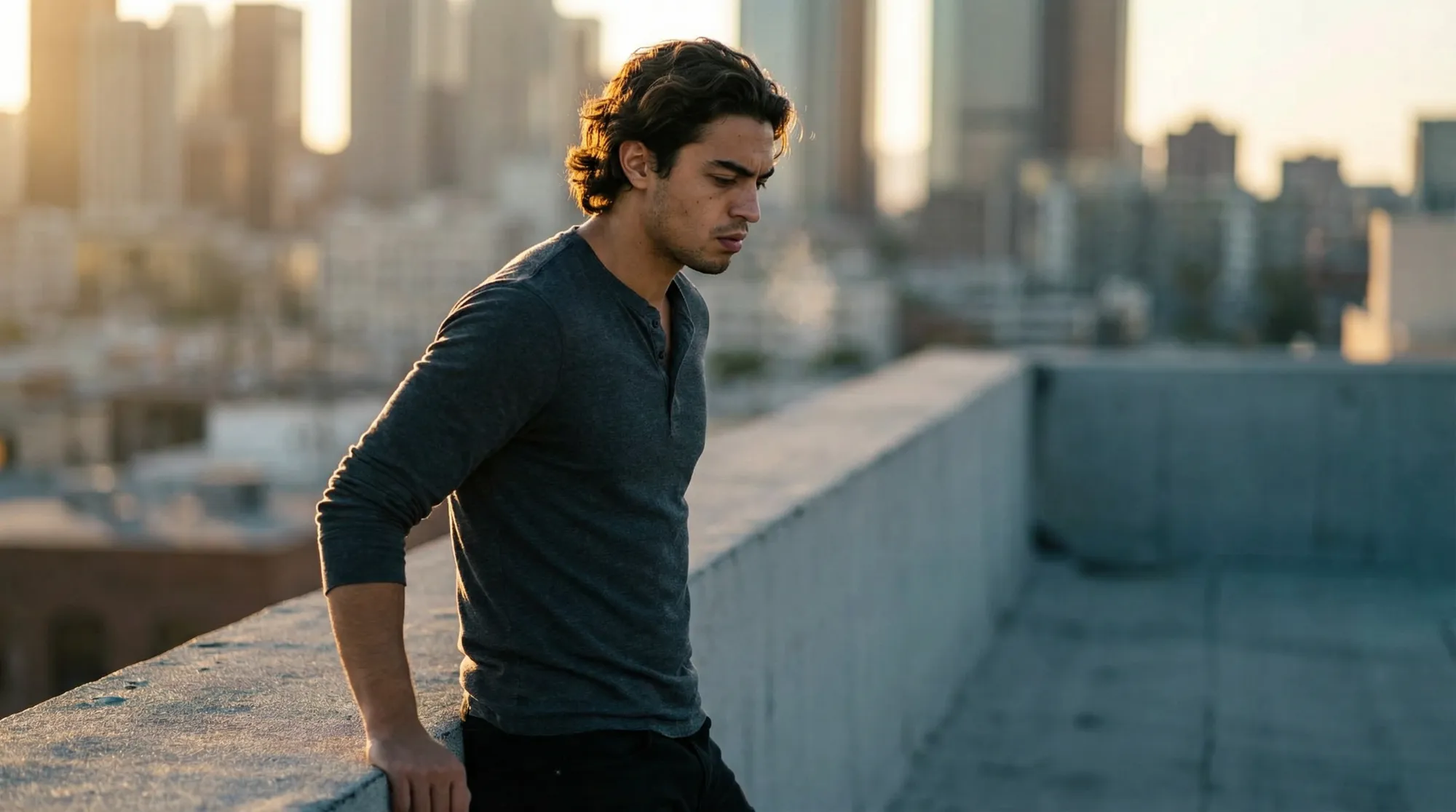
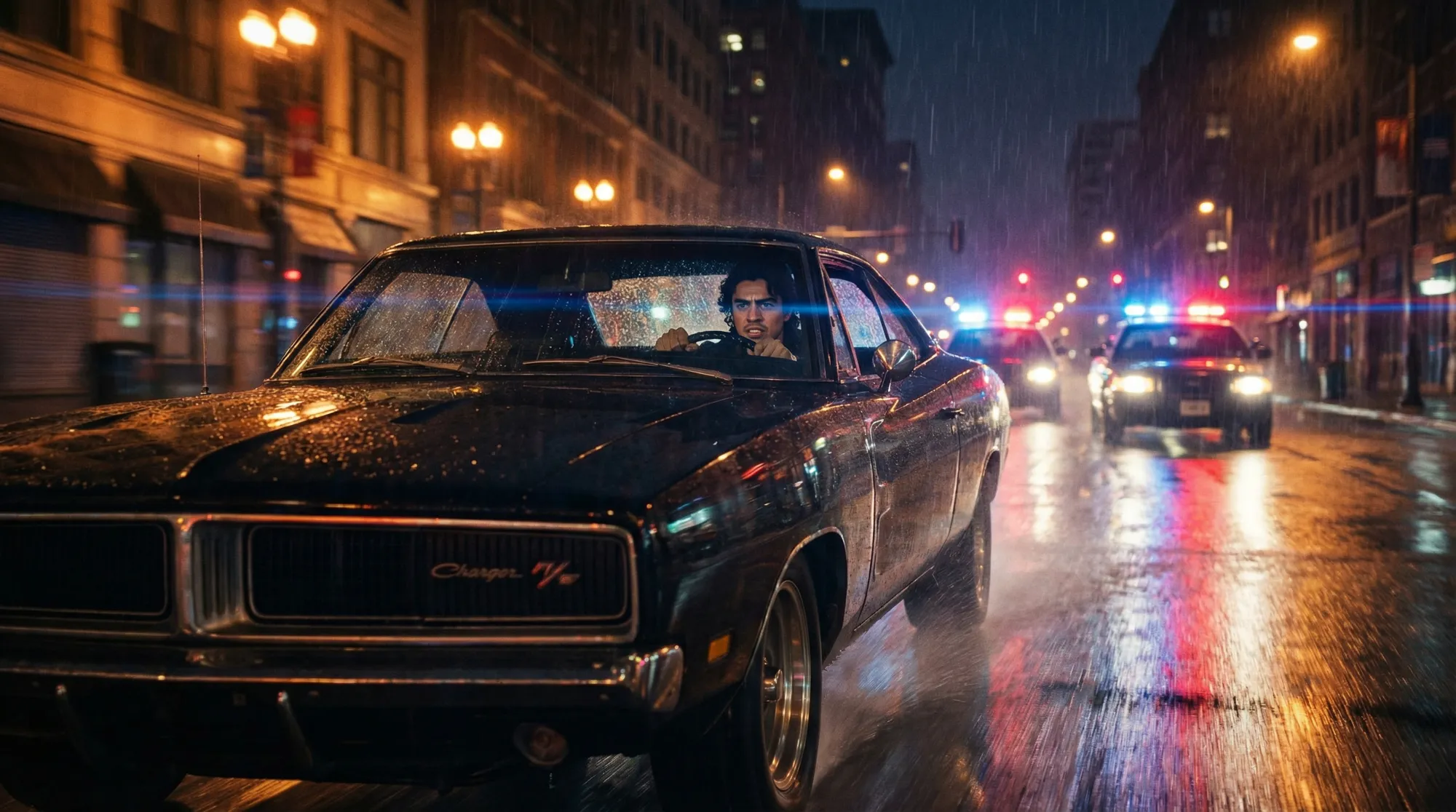
A workspace for film directors
Create your assets with visual references
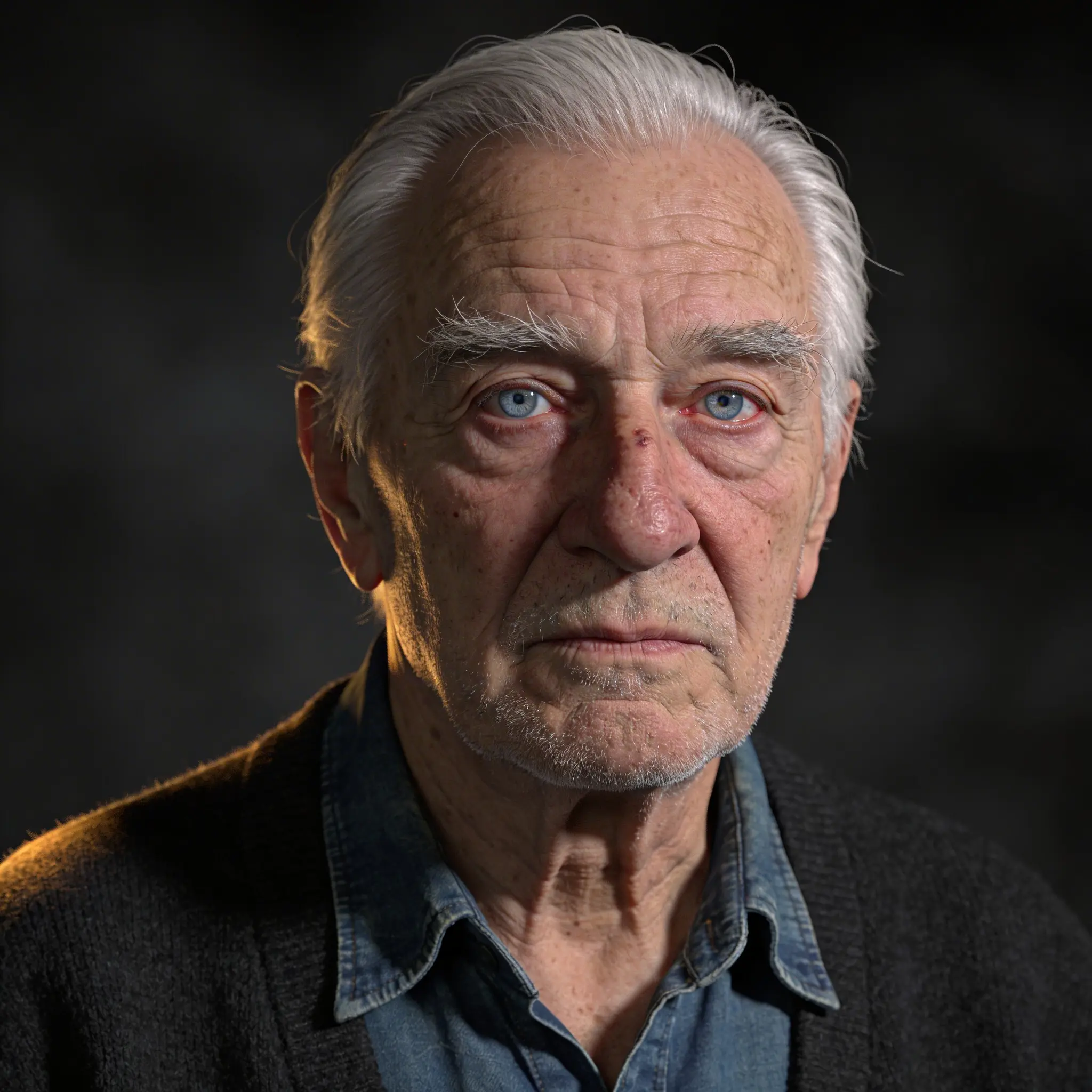
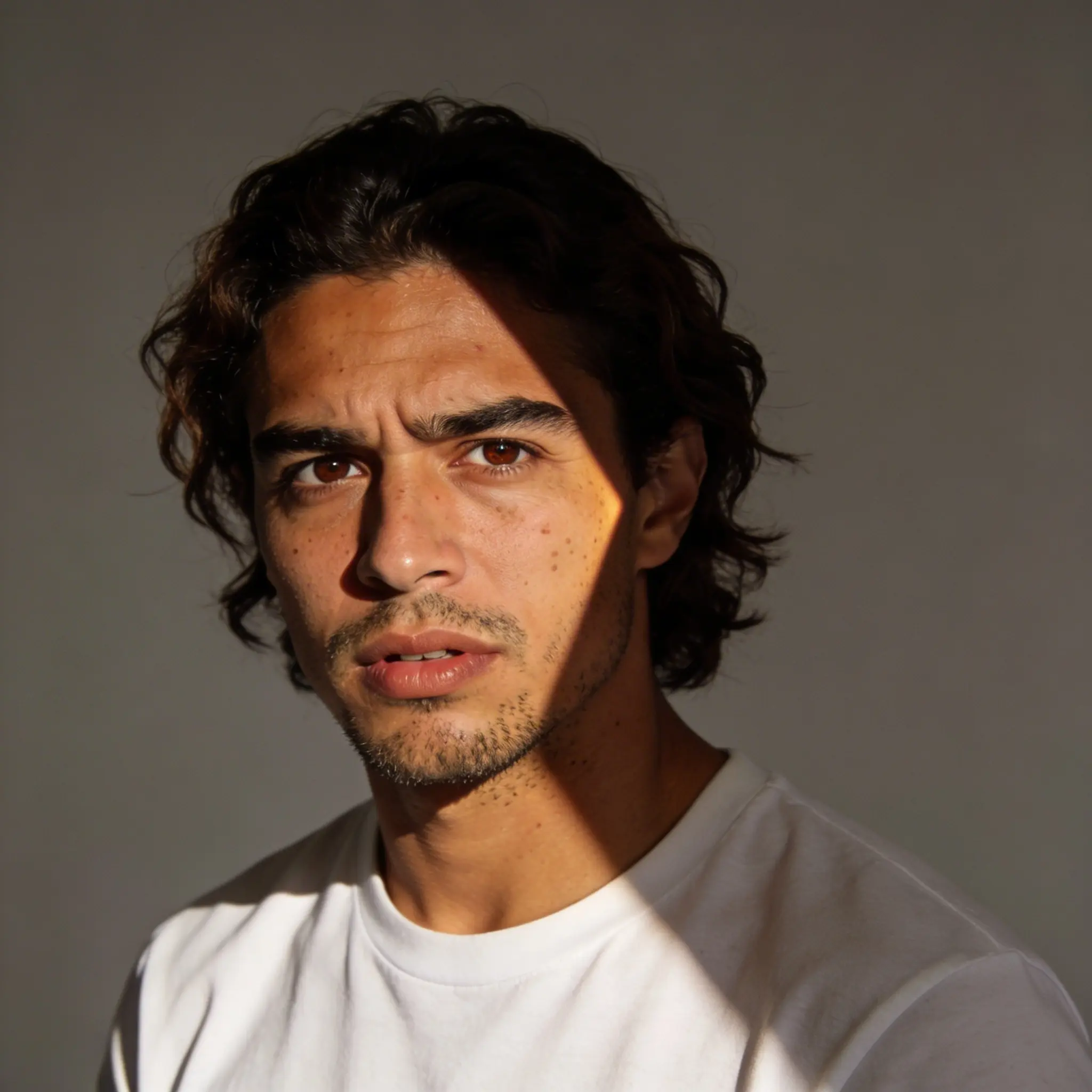
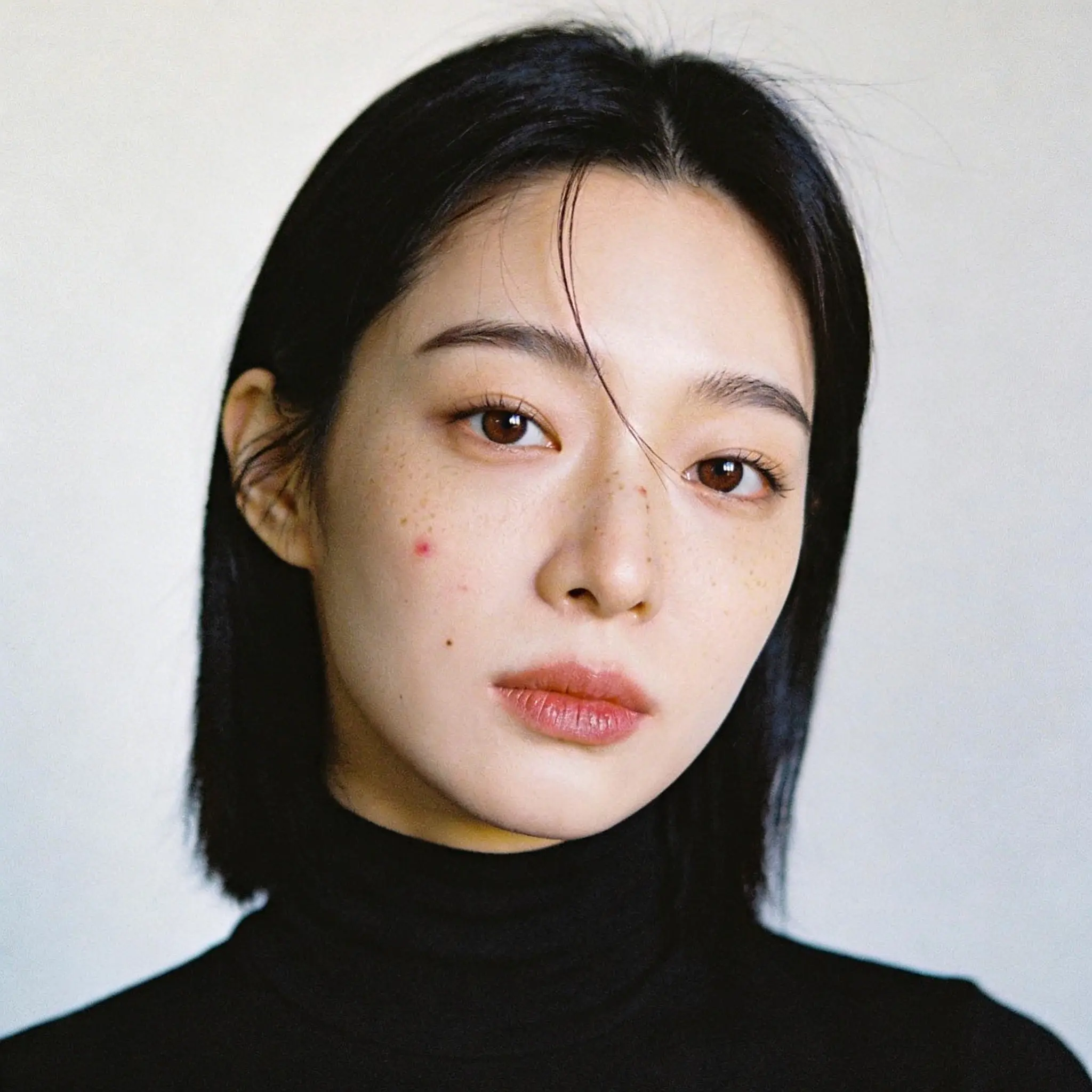
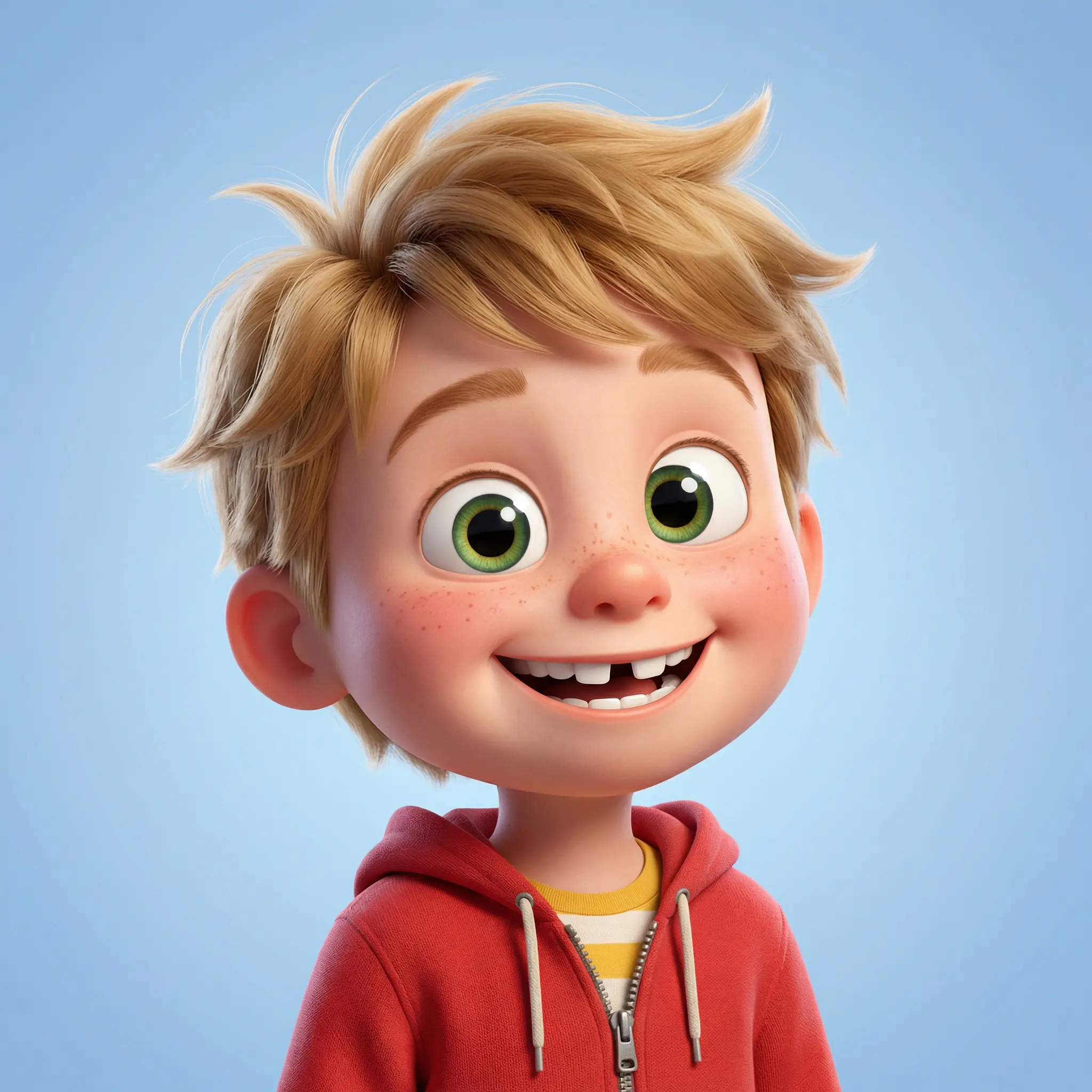
One workspace for everything you generate. Characters, environments, props, textures. Create them, organize them, and reuse them across your project. No more digging through download folders or losing that perfect generation you made three days ago.
Use them to create your scenes
Use your generated characters and environments as inputs for new scenes. Maintain visual continuity the way a real production does with established assets, not random prompt luck.
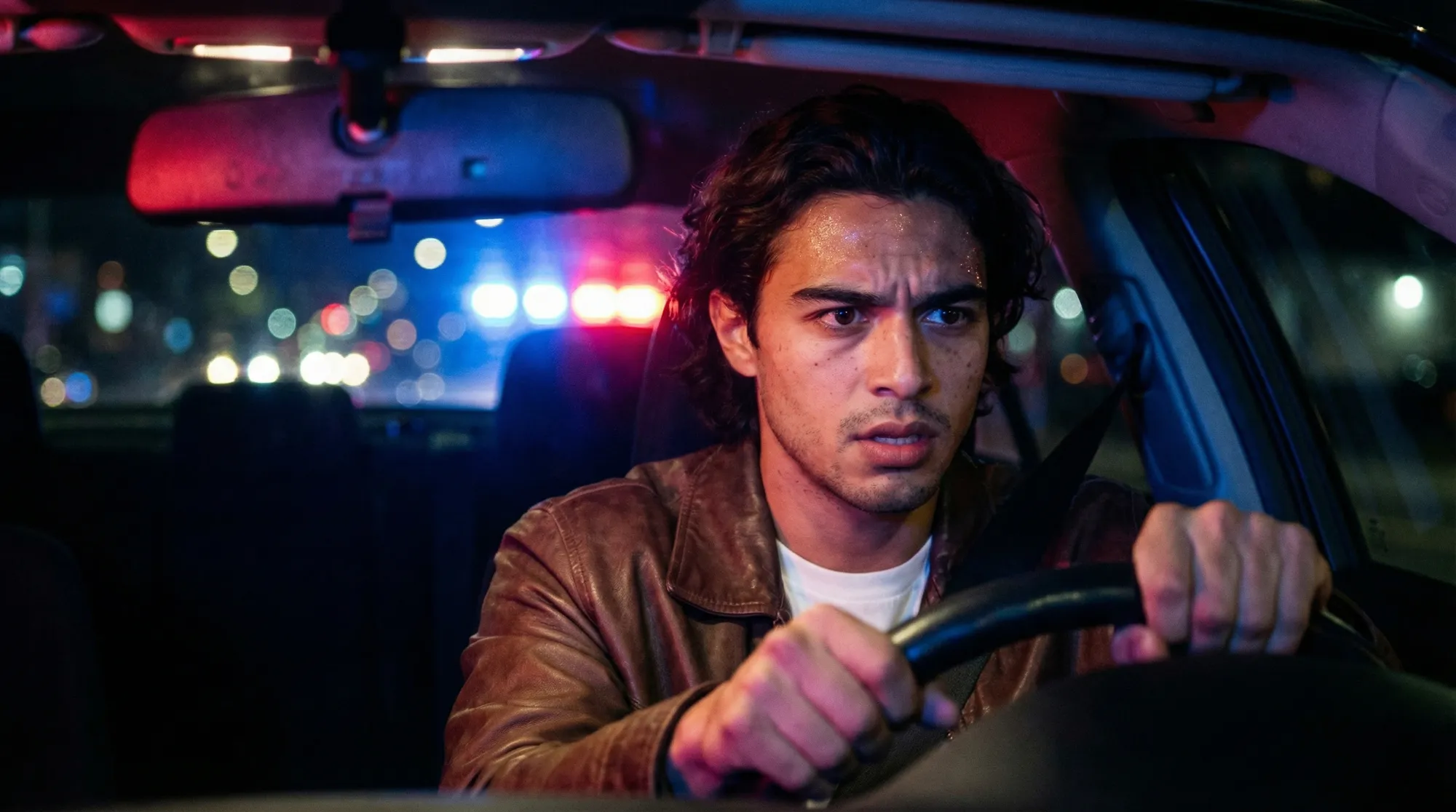
Build your storyboard
See your story before you render it. Arrange, annotate, share. Build the structure of your film the way directors and DPs have done it for a century but with AI-generated frames instead of hand-drawn sketches.
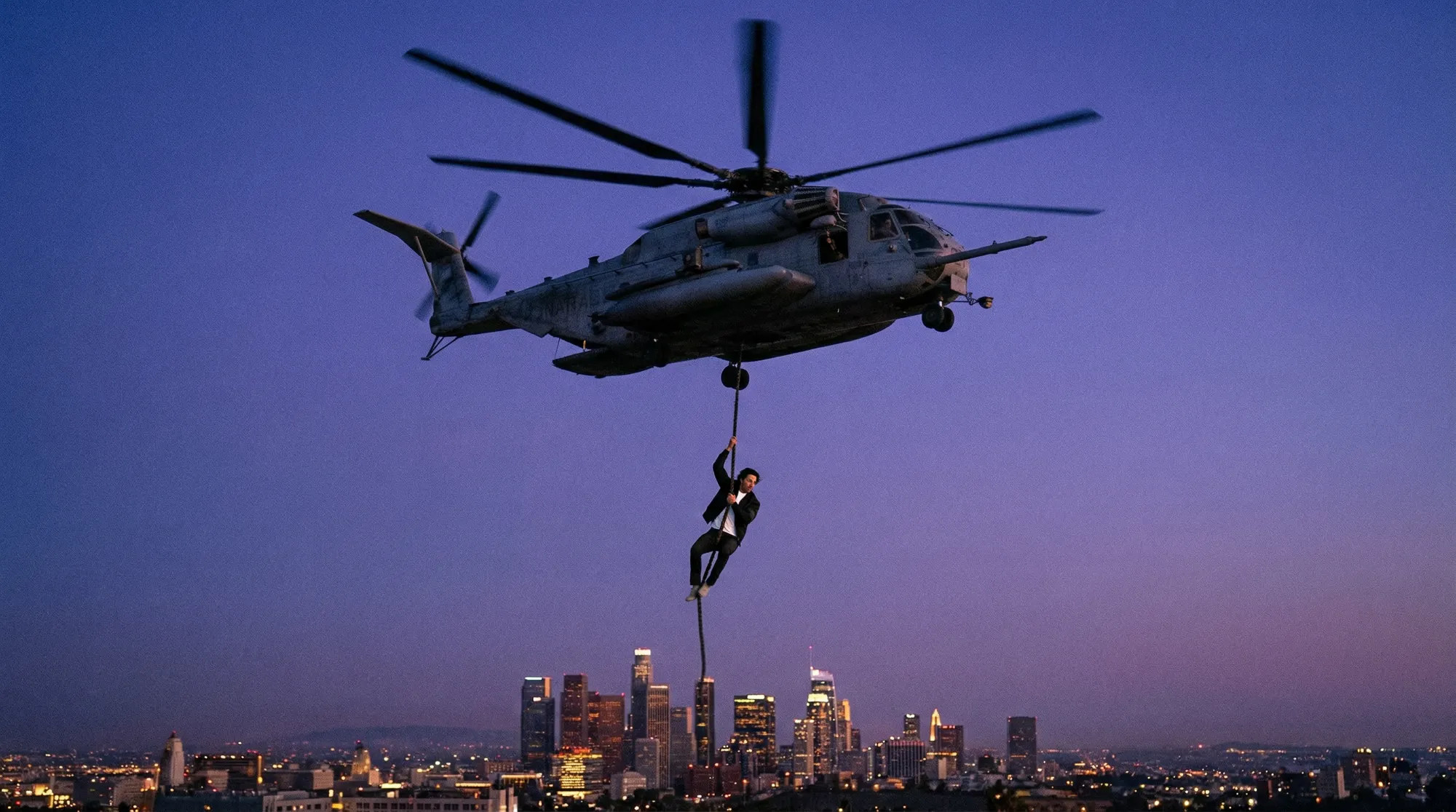
Render it as video
From boards to footage in one click. Select a storyboard sequence and generate video directly from your frames. Your references, your assets, your compositions now in motion.
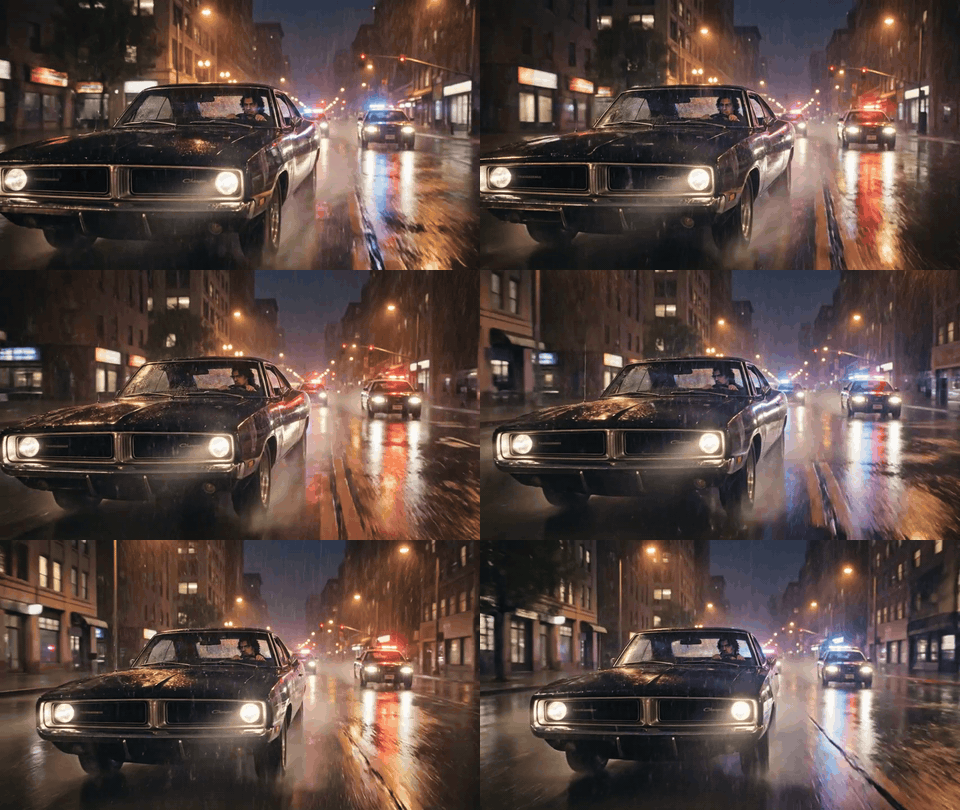
Your API keys. Your control on budgets.
Connect your own API keys — FAL, OpenAI, Google, whatever you prefer — and switch between models as the technology evolves. No lock-in, no middleman markup. Your keys, your credits, your choice.
Built for film directors
Independent filmmakers
Who want to pre-visualize without a budget for concept artists.
Creative directors
Who need to pitch a visual story to clients before a single frame is shot.
Production studios
Who want to integrate AI into their pipeline without losing creative control.
AI tools are everywhere but filmmaker workflows are not.
Open Canvas is in early access. Join the waitlist and be first to get access.
No spam. We'll only email you when it's ready.